Extras > Wallpaper and Desktops
Instructions
How to download: Click the size you want to download. Mac users, control+click and "Save Image" the size you want to download. Windows users, right-click the size you want to download.
Instructions for getting this on your iPhone/iPod Touch:
- Open Mobile Safari on your iPhone/iPod Touch
- Navigate to this page.
- Click on the iPhone/iPod Touch wallpaper link
- Click and hold on the image that appears for a few seconds. When it asks if you want to "Save image" click to confirm.
- Go to your iPhone/iPod Touch Gallery app and select the wallpaper you just downloaded.
- Click the icon on the bottom far left and choose "Use Wallpaper"
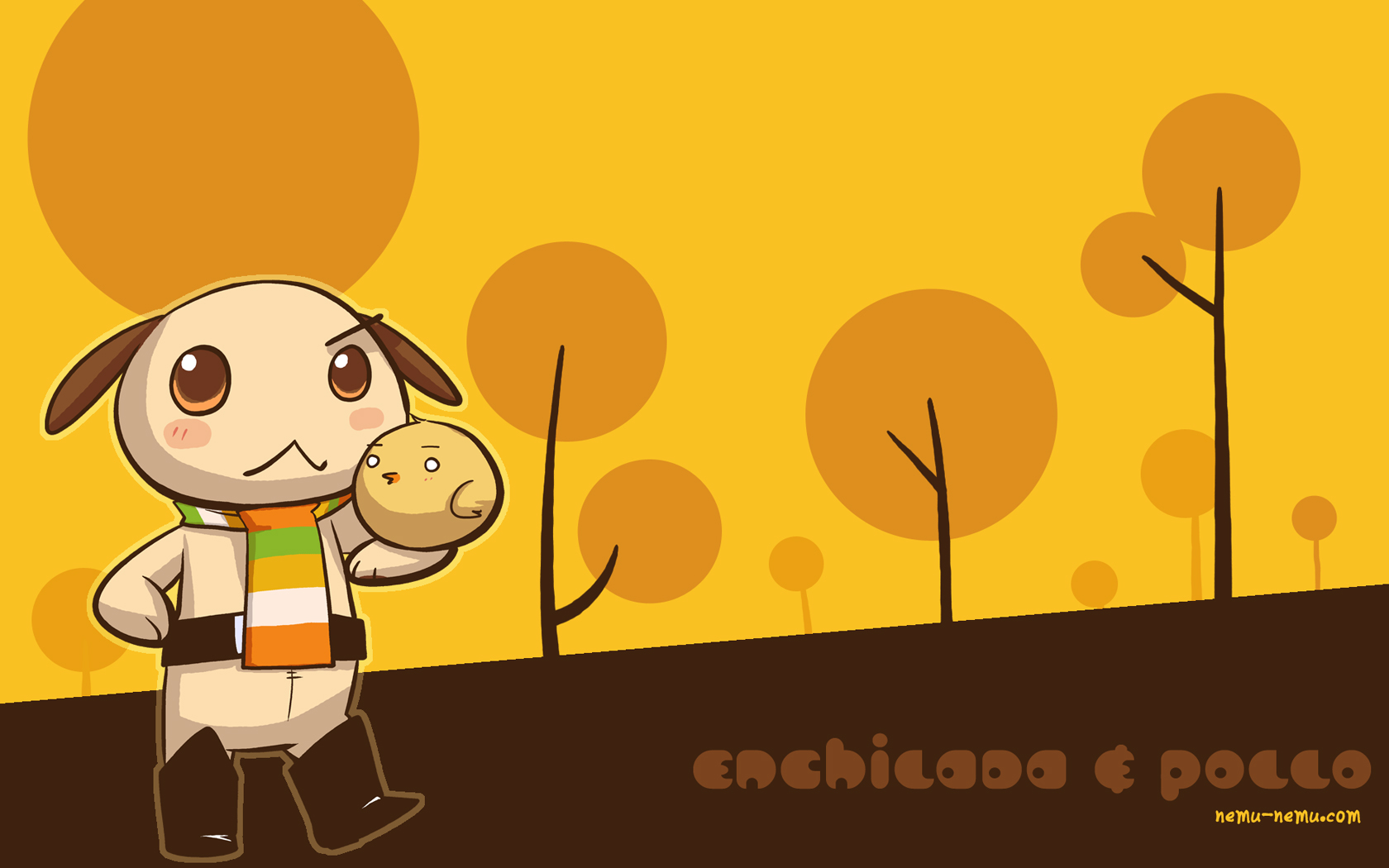
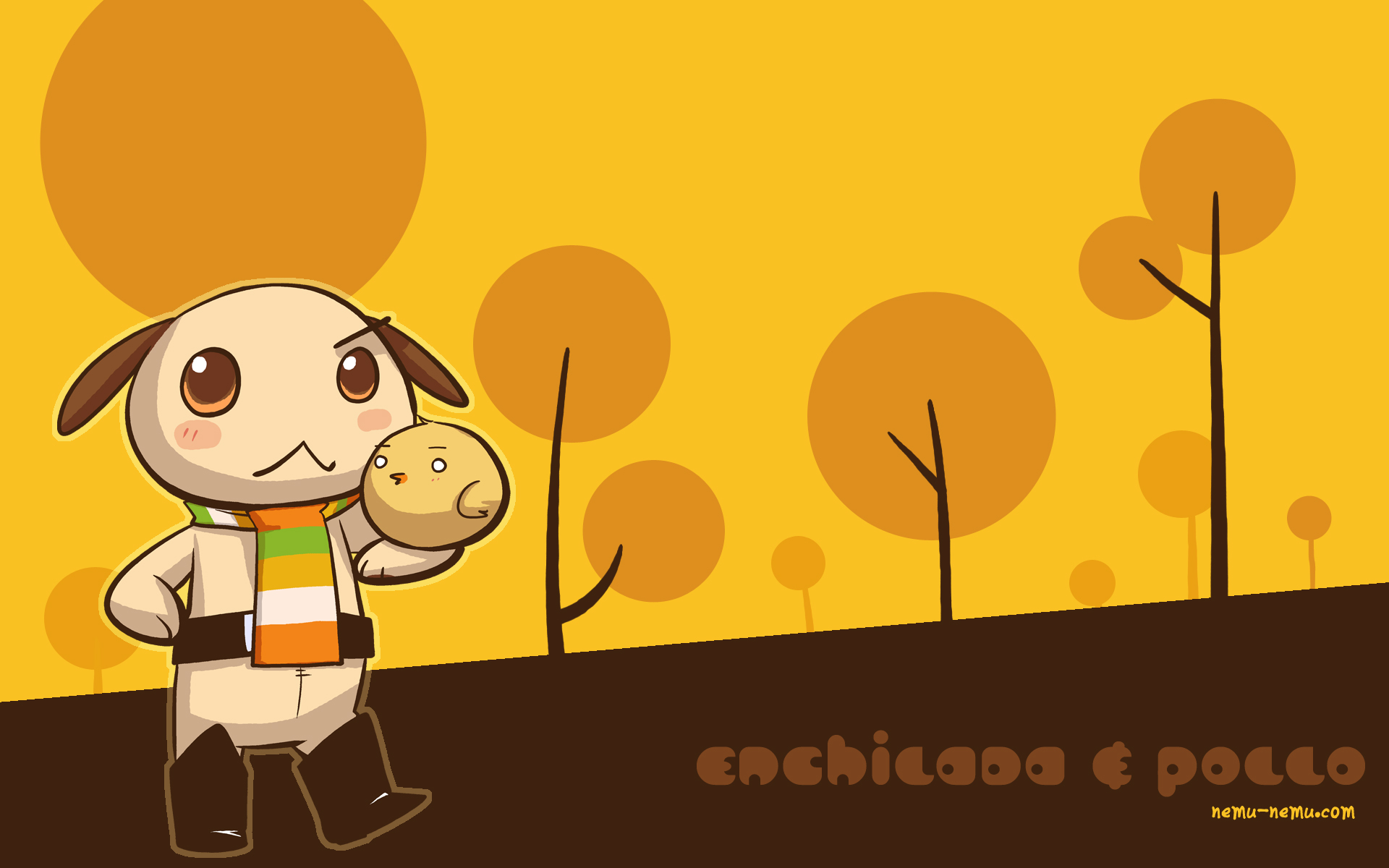
Enchilada & Pollo
Enchilada & Pollo - always on an adventure somewhere! Download this free wallpaper today!

Download
Choose your size:320 x 480 (iphone)
1024 x 768
1680 x 1050
1920 x 1200